AGENT SPECIALTY //
Baseline SysOps
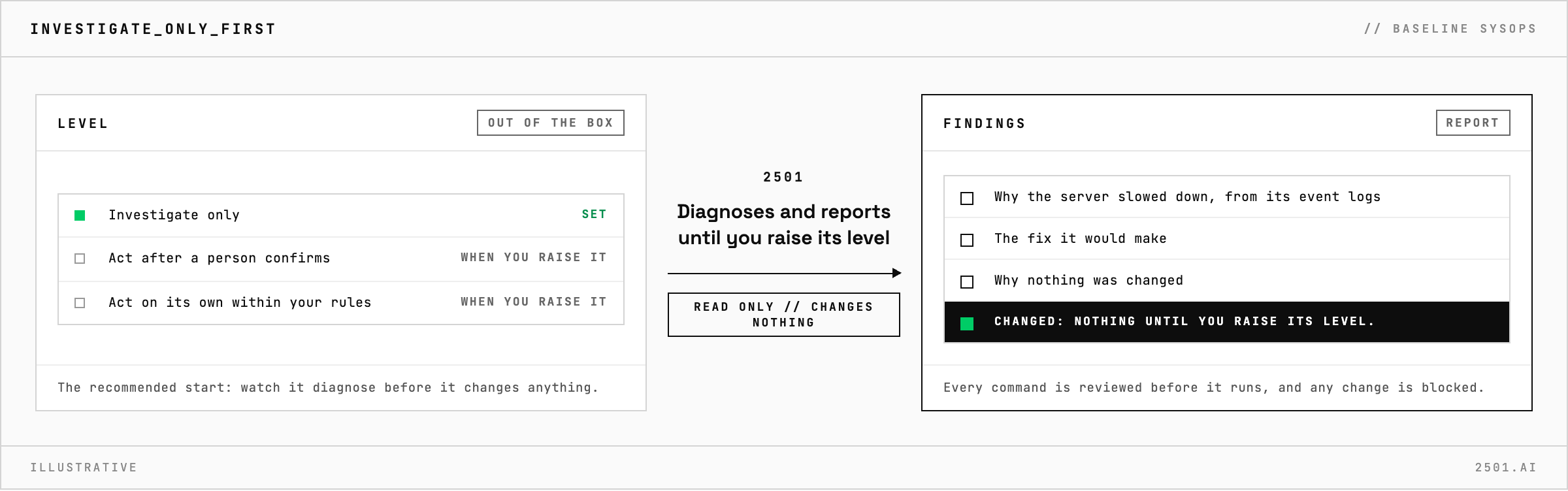
SysOps Windows covers general Windows Server operations over PowerShell and WinRM. Out of the box it is set to investigate only: it diagnoses and reports, changing nothing.
TICKETS FROM
ServiceNow or another ITSM
CATEGORY
Baseline SysOps
AUTONOMY
Investigate only, with a person, or on its own
DEPLOYMENT
On-prem, cloud or hybrid
█
SPECIALTY_BRIEFING
// WHAT 2501 DOES
SysOps Windows is the Windows Server counterpart of SysOps, the baseline 2501 specialty for general system operations. Out of the box it is set to investigate only: it diagnoses and reports, and changes nothing until you raise its level.
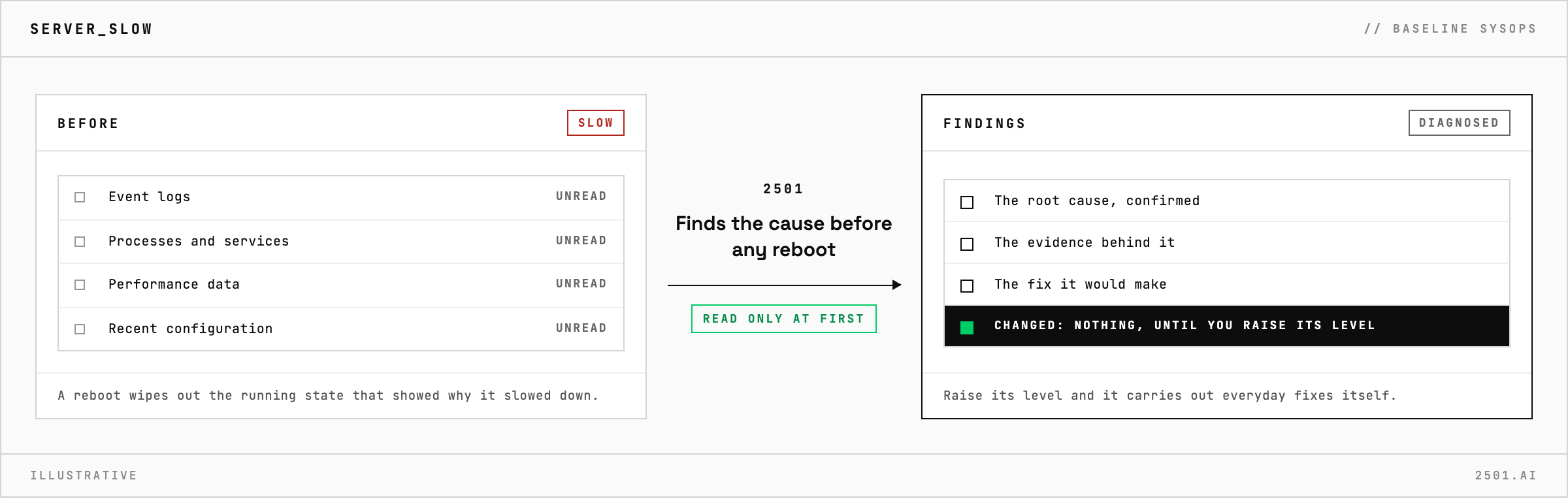
A Windows server slows down, a service stops answering or a drive fills, and someone has to sign in, read the event logs and work out why. The recommended way to start any specialty is to watch it diagnose before it changes anything, and this one starts there.
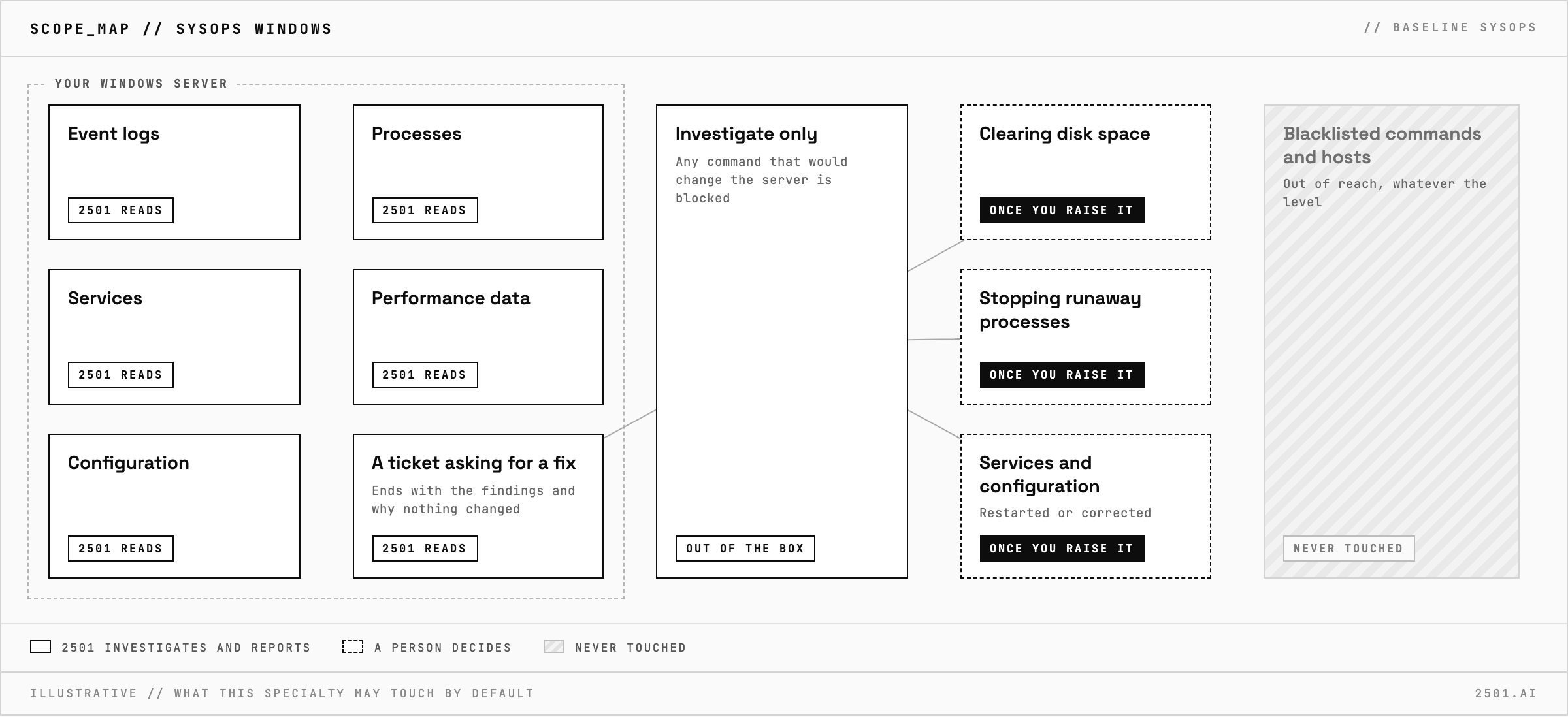
SysOps Windows works over PowerShell and WinRM, through event logs, processes, services, performance data and configuration, and confirms the root cause before recommending a fix. Its scope also covers the everyday fixes: clearing disk space, stopping runaway processes, restarting services and correcting local configuration where clearly justified, then checking the server is healthy. Those fixes happen only once you raise its level. Until then, every ticket ends with the diagnosis and the fix it would make, a read-only investigation by design.
How is it different from SysOps? SysOps covers Linux servers and has no investigate-only setting out of the box. SysOps Windows covers Windows Server and starts investigate only.
Which Windows specialty do I need? SysOps Windows for general work, Disk Manager Windows for full drives and Services Manager Windows for failing services.
Each page is one kind of ticket, and how this specialty handles it within the limits you set.
> READY_TO_DEPLOY
Book a technical demo and walk through your own environment with the 2501 team.