AGENT SPECIALTY //
Containers and services
Services Manager Windows investigates failing Windows services, IIS sites and containers on Windows hosts, restores them and leaves account and security changes to you.
TICKETS FROM
ServiceNow or another ITSM
CATEGORY
Containers and services
AUTONOMY
Investigate only, with a person, or on its own
DEPLOYMENT
On-prem, cloud or hybrid
█
SPECIALTY_BRIEFING
// WHAT 2501 DOES
Services Manager Windows is the 2501 specialty for services on Windows hosts: Windows services, IIS sites and containers. It finds why a service stopped or will not start, restores it and confirms it is healthy, within limits you set.
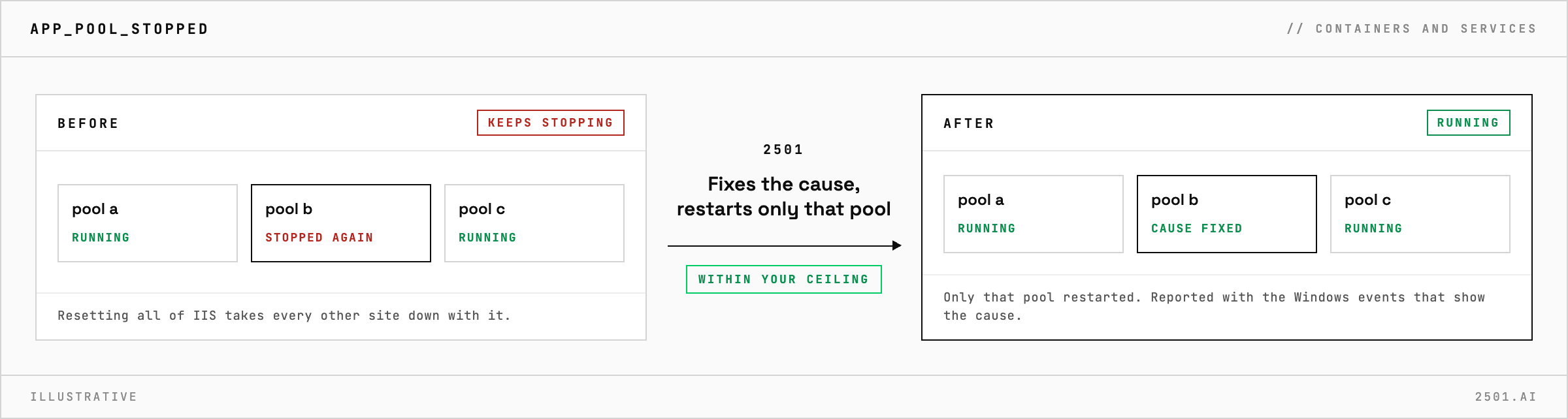
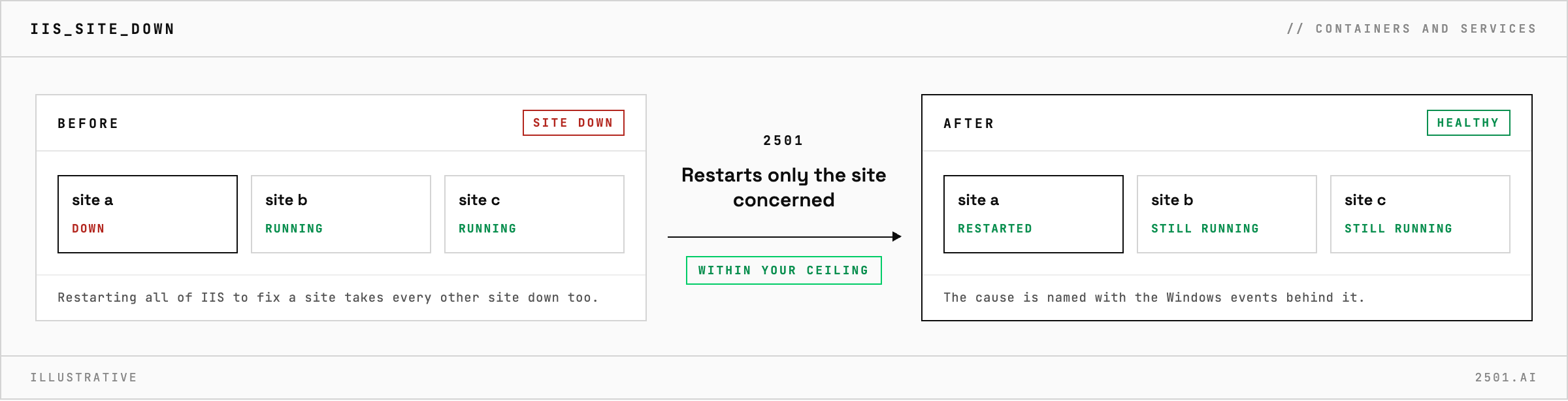
A Windows service stops, and the event log says so but rarely why. The cause might be a port already in use, a permission, or the service account itself, with an expired password or a locked account. Restarting all of IIS to fix one site takes every other site down too.
Services Manager Windows investigates before it changes anything, from the service's settings, account and event logs to IIS sites and application pools. It names the cause, citing the Windows events behind it, restarts only the service, site or application pool concerned, or corrects an obvious configuration error, and confirms it is healthy. Service account problems that need work in Active Directory can be handed to the agent that covers it, as can a full disk.

How is it different from the other service specialties? Services Manager and Services Manager Linux cover systemd services and containers on Linux, while Services Manager Windows covers Windows hosts, including IIS and service accounts.
Can it diagnose without restarting anything? Yes. In investigate-only mode it reports the cause and the fix it would make, and changes nothing.
Each page is one kind of ticket, and how this specialty handles it within the limits you set.
> READY_TO_DEPLOY
Book a technical demo and walk through your own environment with the 2501 team.