AGENT SPECIALTY //
Containers and services
Services Manager Linux finds why a service on a Linux host failed, under systemd, Docker or a similar runtime, restores it and confirms it stays up, within your rules.
TICKETS FROM
ServiceNow or another ITSM
CATEGORY
Containers and services
AUTONOMY
Investigate only, with a person, or on its own
DEPLOYMENT
On-prem, cloud or hybrid
█
SPECIALTY_BRIEFING
// WHAT 2501 DOES
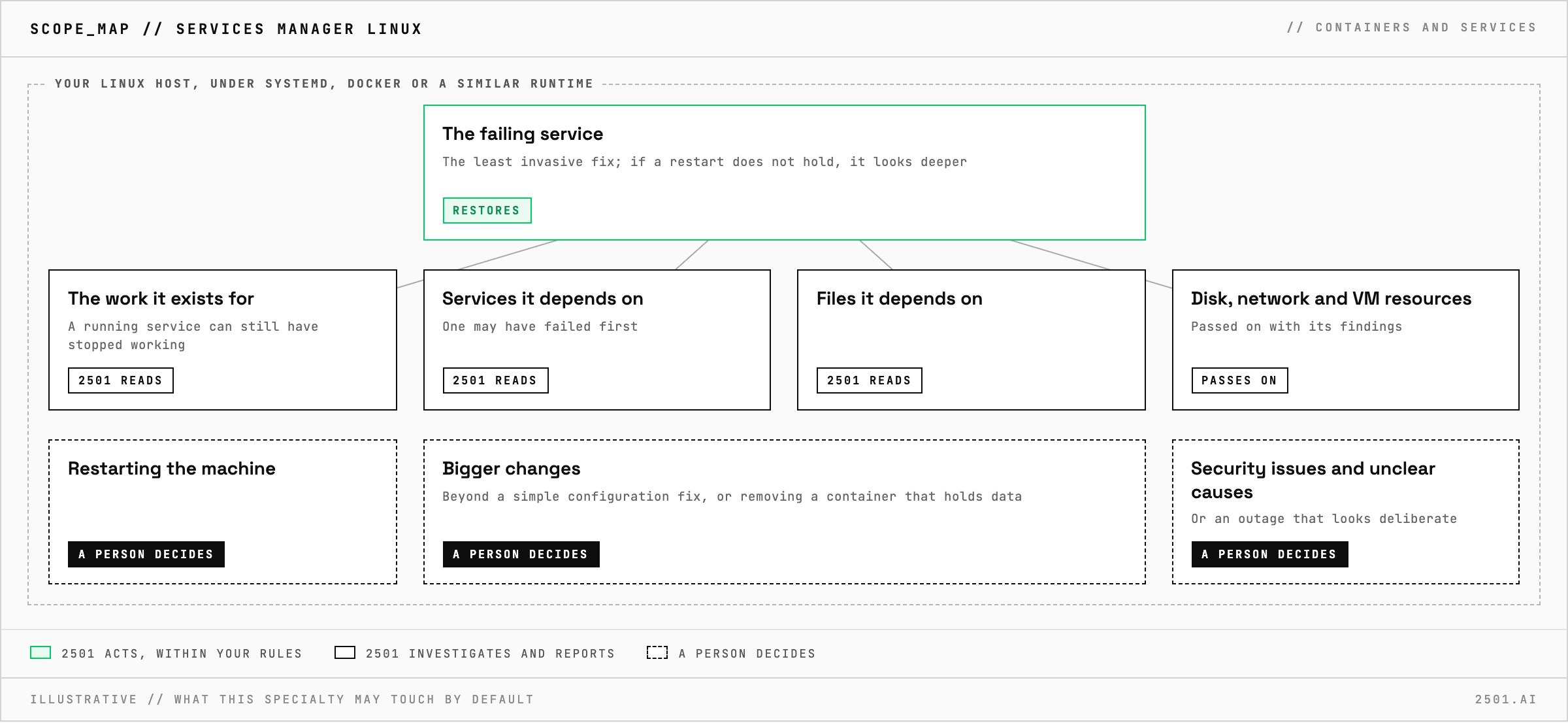
Services Manager Linux is the 2501 specialty for services on Linux hosts, under systemd, Docker or a similar runtime. It finds why a service failed, restores it and confirms it stays up, within limits you set.
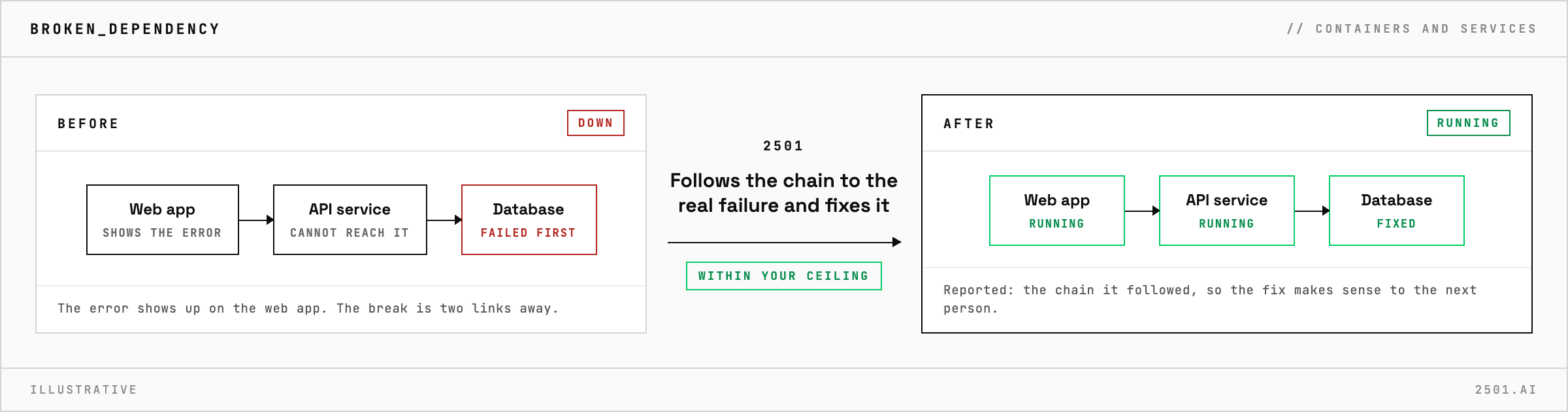
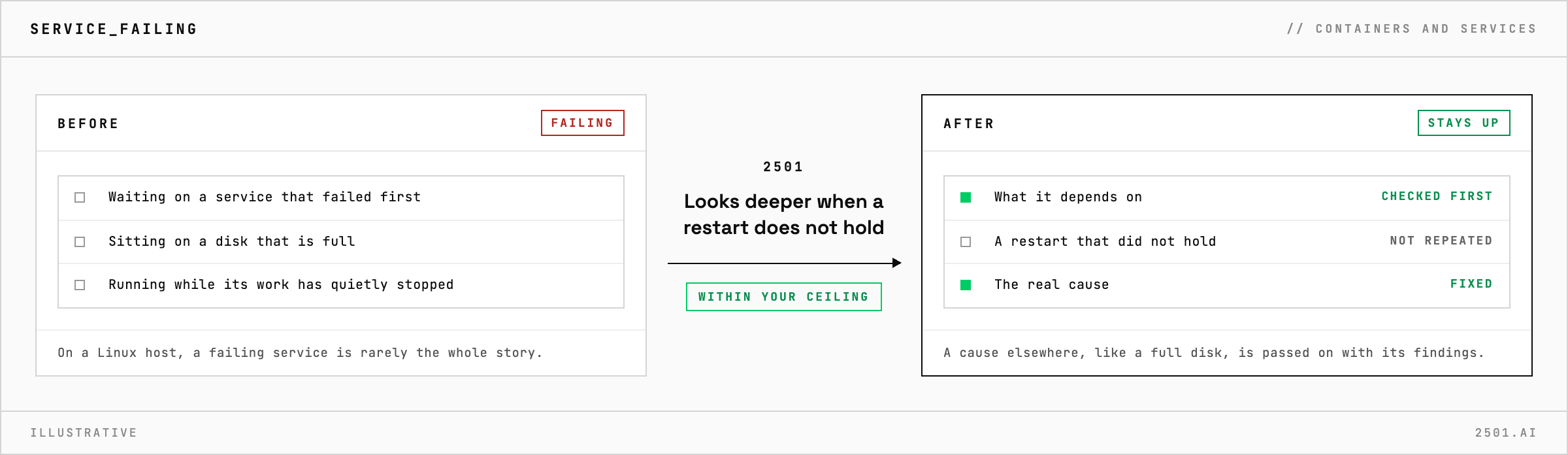
On a Linux host, a failing service is rarely the whole story. It may be waiting on another service that failed first, sitting on a disk that is full, or still running while the work it exists for has quietly stopped.
Services Manager Linux investigates before it touches anything, including the services and files a service depends on. It applies the least invasive fix and confirms the service is healthy. If a restart does not hold, it looks deeper instead of restarting again. When the cause lies elsewhere, such as a full disk, the network or a VM short of resources, it passes the ticket on with its findings. Typical tickets are a service failing on a broken dependency, log collection that stopped and a failing service investigated without a restart.
How is it different from Services Manager? Services Manager also covers Podman and names service configuration troubleshooting in its scope. Services Manager Linux is scoped to services on Linux hosts, and Services Manager Windows covers Windows.
Why not just restart the service? A restart can clear the symptom and destroy the evidence, so it restarts only when the investigation says that is the fix.
Each page is one kind of ticket, and how this specialty handles it within the limits you set.
> READY_TO_DEPLOY
Book a technical demo and walk through your own environment with the 2501 team.