
SOLUTION //
AWS Central
Changing an instance's size means stopping it, and a stop can cost more than people expect. How 2501 resizes it and brings it back, within limits you set.
TICKETS FROM
ServiceNow or another ITSM
SAFEGUARDS
Your rules, confirmation and blacklists
AUTONOMY
Investigate only, with a person, or on its own
DEPLOYMENT
On-prem, cloud or hybrid
█
SOLUTION_BRIEFING
// HOW 2501 HANDLES IT
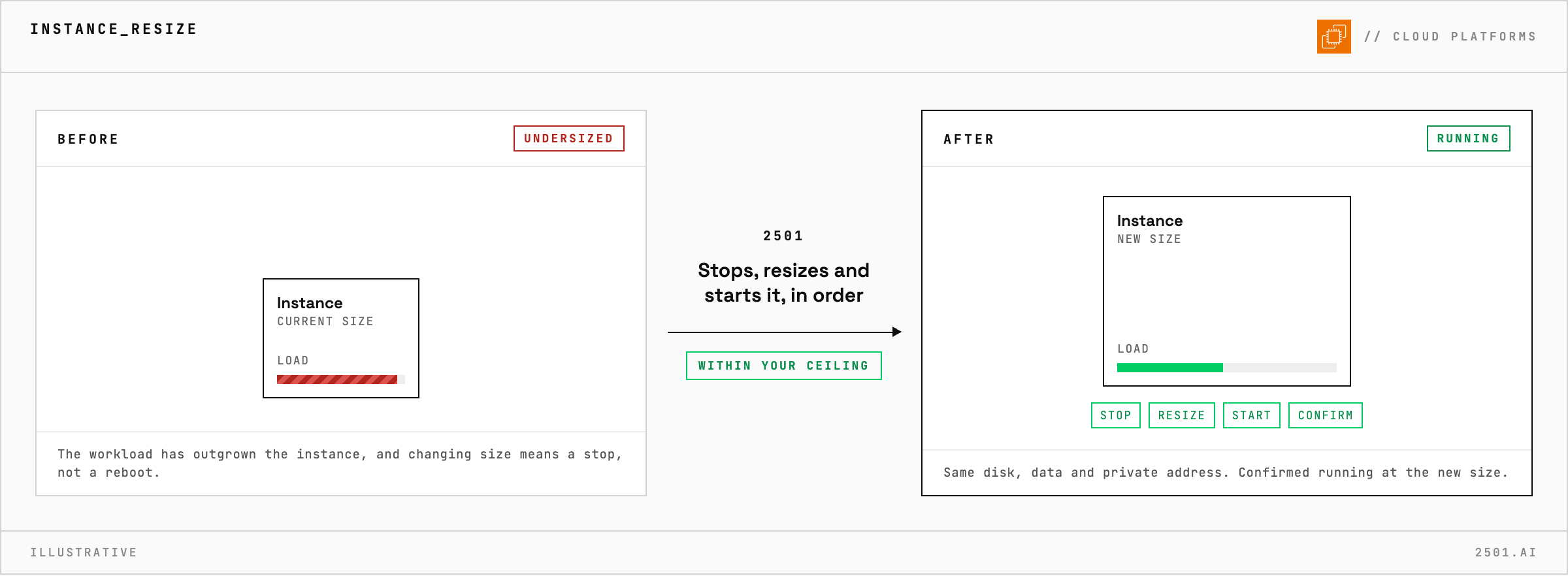
Changing an instance's size means stopping it and starting it again, and a stop is not a reboot. 2501 carries the change through from start to finish and confirms the instance is back at its new size, all within limits you set.
An instance needs to be larger. It looks like a few clicks, but a stop has consequences: temporary local storage is wiped and a public address that was not reserved changes, while the main disk, its data and the private address stay. A resize interrupted halfway leaves the instance stopped: an outage caused by maintenance.
The AWS specialty stops the instance, changes its size and brings it back up, waiting for each step to complete before moving to the next. It confirms the instance is running at the new size before reporting the change on the ticket. Asked only to investigate, it reports the current size, the target, and what the stop would cost, without stopping anything.

Can I resize an instance without stopping it? No. It has to be stopped for the size to change, and a reboot is not enough.
What is lost when an instance is stopped? Anything on temporary local storage, and a public address that was not reserved. The main disk, its data and the private address remain.
Does the instance stay in the same network? Yes. A stop and start does not move it.
> READY_TO_DEPLOY
Book a technical demo and walk through your own environment with the 2501 team.
