
SOLUTION //
NetApp ONTAP Operator
Deleting snapshots frees a full NetApp volume fast, and the wrong one can break SnapMirror replication. How 2501 finds where the space went and fixes it within your limits.
TICKETS FROM
ServiceNow or another ITSM
SAFEGUARDS
Your rules, confirmation and blacklists
AUTONOMY
Investigate only, with a person, or on its own
DEPLOYMENT
On-prem, cloud or hybrid
█
SOLUTION_BRIEFING
// HOW 2501 HANDLES IT
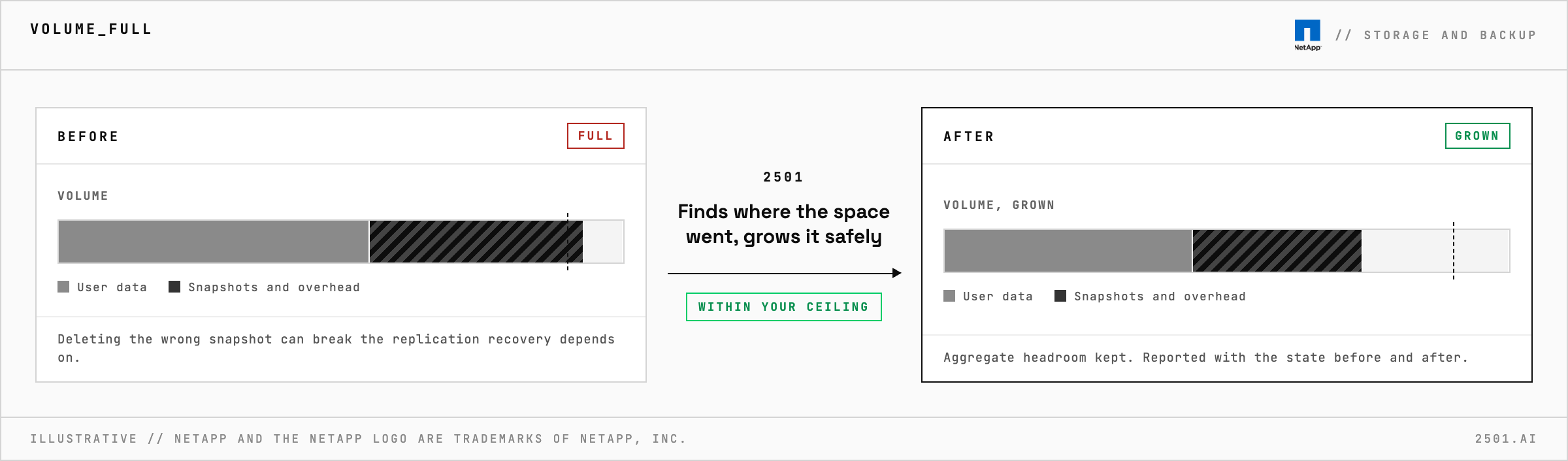
When a NetApp ONTAP volume fills up, deleting snapshots frees space fast, and the wrong one can break the replication your disaster recovery depends on. 2501 works out where the space really went and fixes it within your limits, without deleting data or breaking replication.
Even a volume set to grow on its own can fill when the aggregate beneath it runs short.
The NetApp ONTAP specialty takes the alert from your ticketing system, confirms the cluster and its nodes are healthy, and works out where the space went and how much room the aggregate has. Where you allow it, it grows the volume while leaving the aggregate enough headroom. It prefers letting the snapshot policy expire old snapshots to deleting them by hand, and deletes one only under real space pressure.
Every change is reported with the state before and after. What it will not do alone comes back as findings with a recommended next step.

Why is the volume full when its files have not grown? Snapshots and overhead use space too, and each needs a different fix from user data, so 2501 separates them first.
Why not just grow the volume? Where you allow it, it does, if the aggregate has room. A nearly full aggregate hurts performance, so otherwise it reports the numbers.
Does it work with Amazon FSx for NetApp ONTAP? Yes, as well as ONTAP clusters in your own data centre.
> READY_TO_DEPLOY
Book a technical demo and walk through your own environment with the 2501 team.
