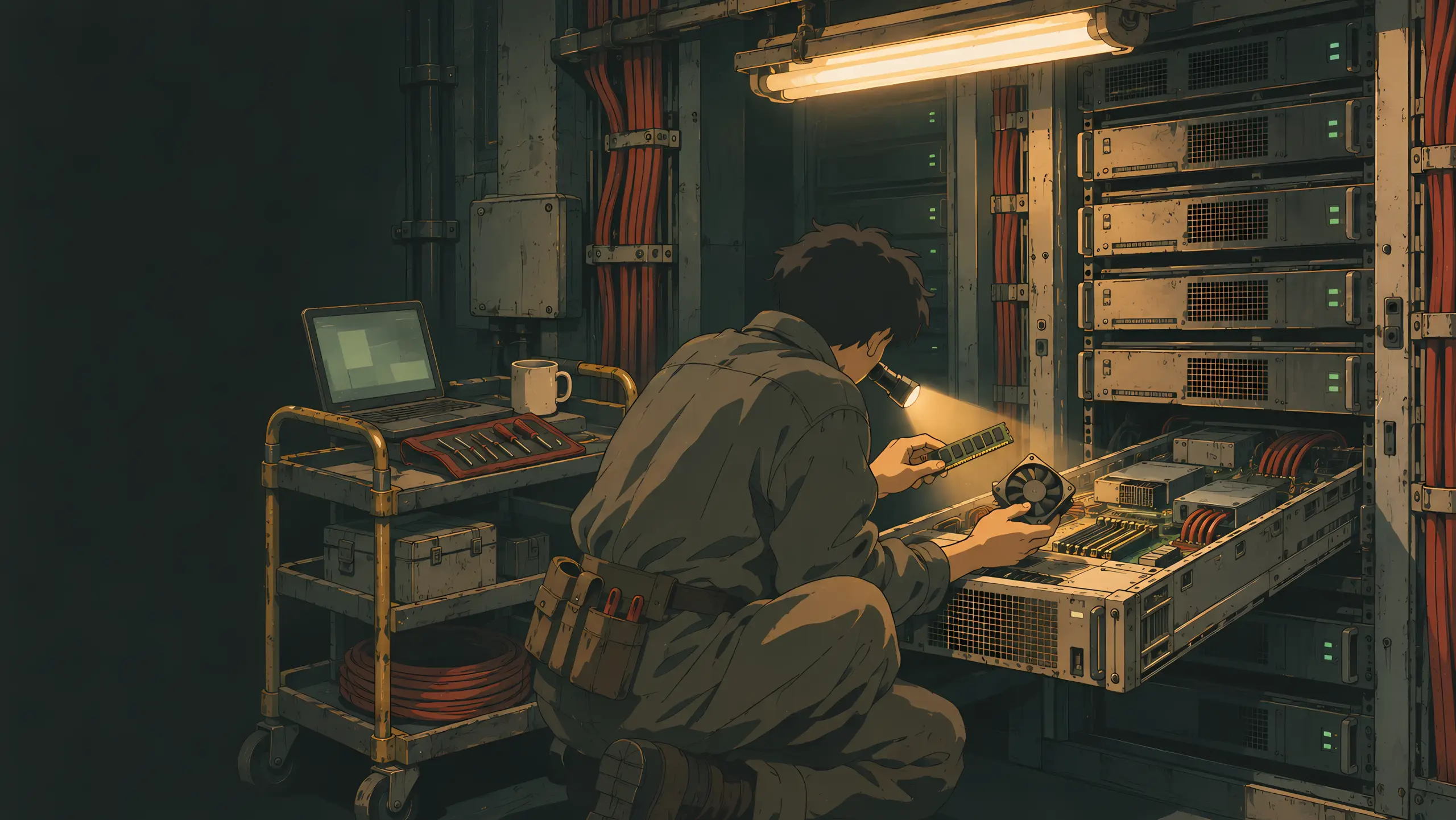
A painted night server aisle with one open rack, a crash cart and an engineer seen from behind

Services Manager Linux: the cause, not the symptom

Services Manager Linux is the 2501 specialty for services run through systemd, Docker and similar on Linux machines. It investigates read-only first, finds whether a port, a permission, a config error or a missing dependency is to blame, then takes the least invasive fix.

Updated

Specialty

Services Manager Linux

Works on
  • Linux
  • systemd
  • Docker
  • journalctl
Default mode
May fix, within its brief

What Services Manager Linux covers

A service that fails on a dependency looks broken itself. Restarting it fixes nothing. Services Manager Linux reads the evidence before it acts.

Four usual causes
Port conflicts, permission errors, configuration errors and missing dependencies.
The unit and its journal
Service status, failed units, the journal and the files a config refers to.
Least invasive first
Restart before reconfigure, only obvious syntax fixes, then a health check.
The right owner for the rest
DNS, network and cloud provider problems go to an infrastructure agent with the full findings.
How it reaches your systems
Services Manager Linux works on Linux hosts, which 2501 reaches over SSH.
Default mode: may fix, within its brief
May fix by default, inside the limits on this page. Set it investigate-only and it reports without changing anything, unless a ticket is tagged @2501:remediate.

Problems it handles

One block per kind of ticket: what the agent checks, what it may do, and what it leaves to your team.

Problem 01

What does 2501 do when a service fails because of a broken dependency?#

It looks past the failing service to the files, environment variables or services it needs, and checks the files its config refers to. If the cause sits outside the host, such as DNS or the network, it hands the ticket to an infrastructure agent with its findings.

It checks

  • Failed units and the journal for the service.
  • Files, variables and services the config depends on.

It may

  • Restart the service, starting with the least invasive fix, then verify health.
  • Fix an obvious syntax error in a config file.

It leaves to people

  • Any action when the cause is unclear or several explanations fit.
  • Configuration changes beyond simple syntax fixes.
  • Application code and machine reboots.

Questions about Services Manager Linux

Have a ticket of this kind that is not answered here?Book a demo

What if the dependency is on another team’s system?

It hands the ticket to the right agent with its logs, error messages and root cause analysis.

Does it ever reboot the host?

No. Restarting whole machines is left to people.

What if the service was stopped on purpose?

A failure that looks intentional, such as maintenance mode, waits for a person.

Next step

Bring the outage that was not the service’s fault

Send one ticket where the real cause was two hops away. We will walk through how Services Manager Linux would trace it.
